Tags allow users to tag their assets, making it easier to search and analyze them.
1. Click on Create/Edit Asset from the Asset Naming Extension.
2. Navigate to the Tags tab.
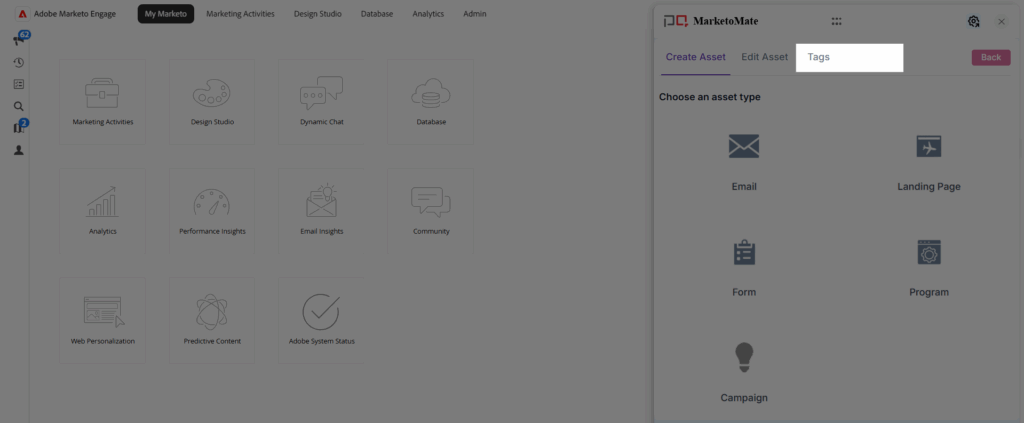
3. Click Create New.
4. Enter the Name of the tag.
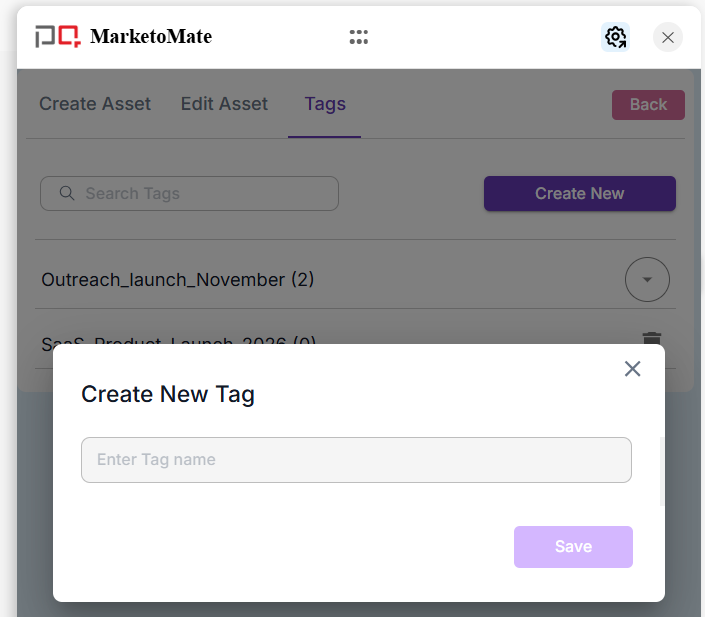
5. Click Save.
Note:
- Asset Tagging must be enabled under Miscellaneous Settings in the Configuration section before using this feature.
- New tags can be created and added to assets while creating or editing any asset. This process will be explained later in this help document.