To rename any assets, click on Any asset from Homepage to edit or click on Create/Edit Asset button from Homepage and Click on Edit Asset tab.
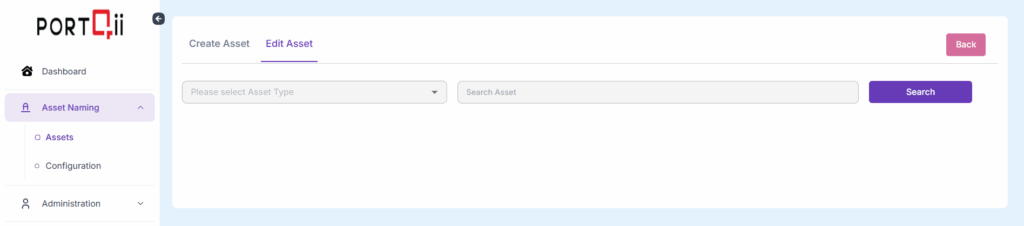
Here are the steps to rename the asset: #
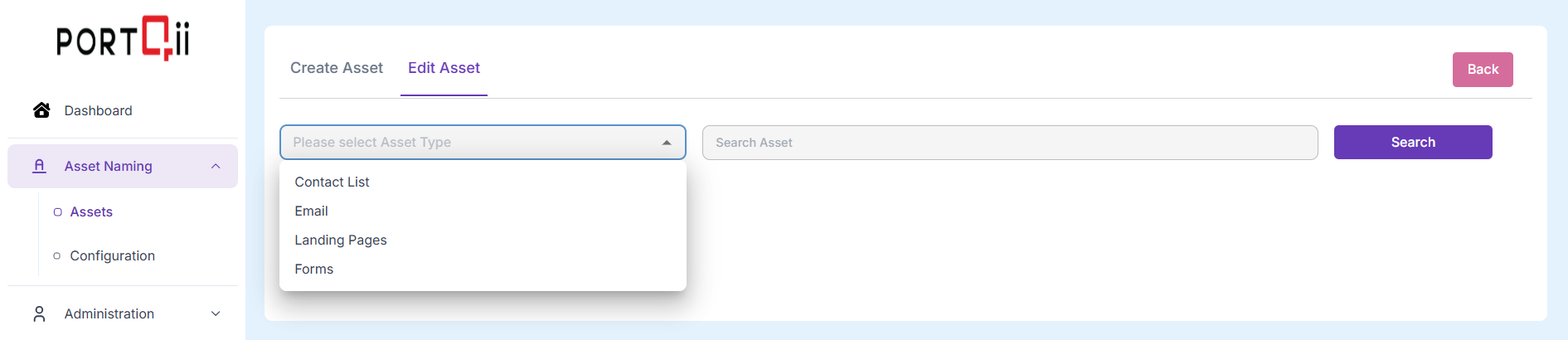
Step 1: Choose the Asset Type from the Dropdown list:
Step 2: Type in the name of the asset that needs renamed – in full and click on Search:
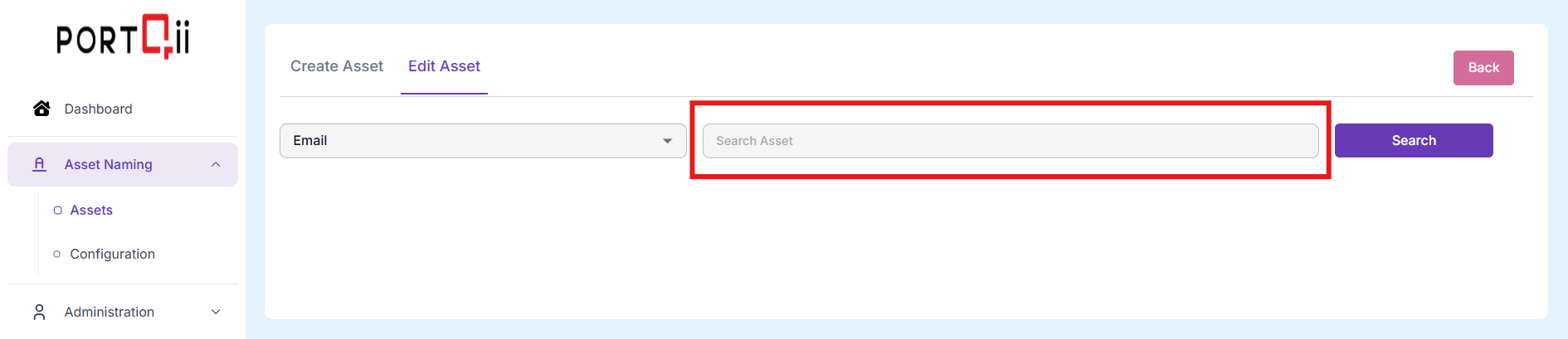
NOTE: We need to type in the whole name here.
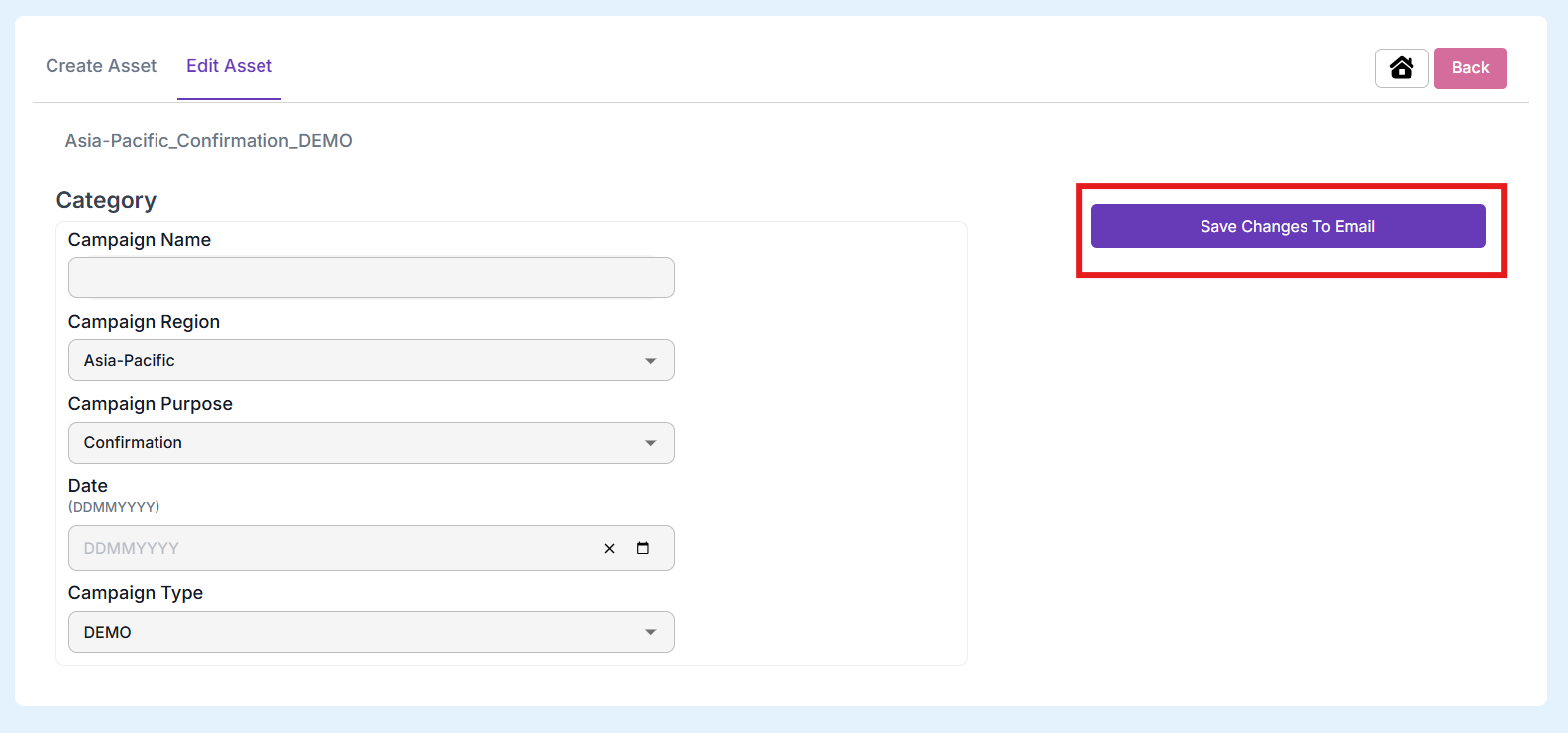
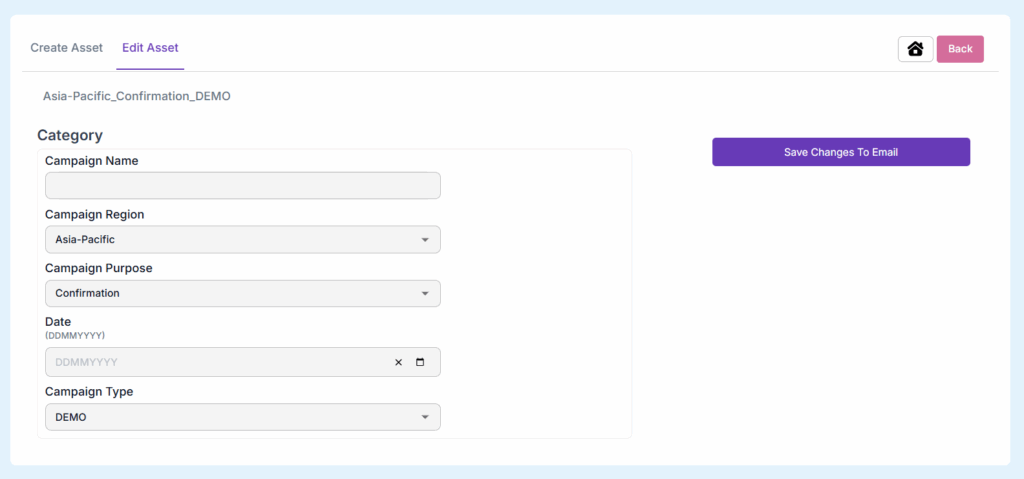
Step 3: We get a familiar form that helps us rename.
Step 4: Click Rename