1. Open ANA extension on the right side of the Marketo page.
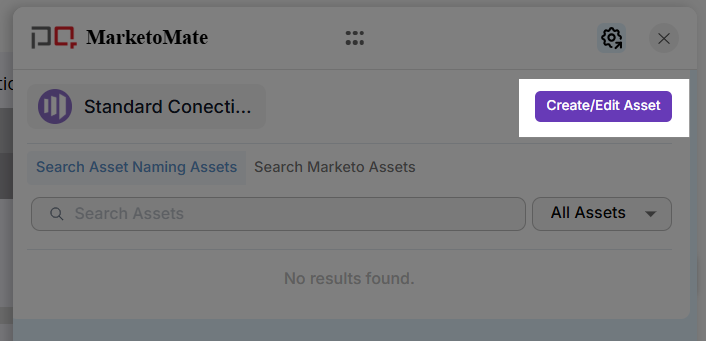
2. Select Create/Edit Asset button.
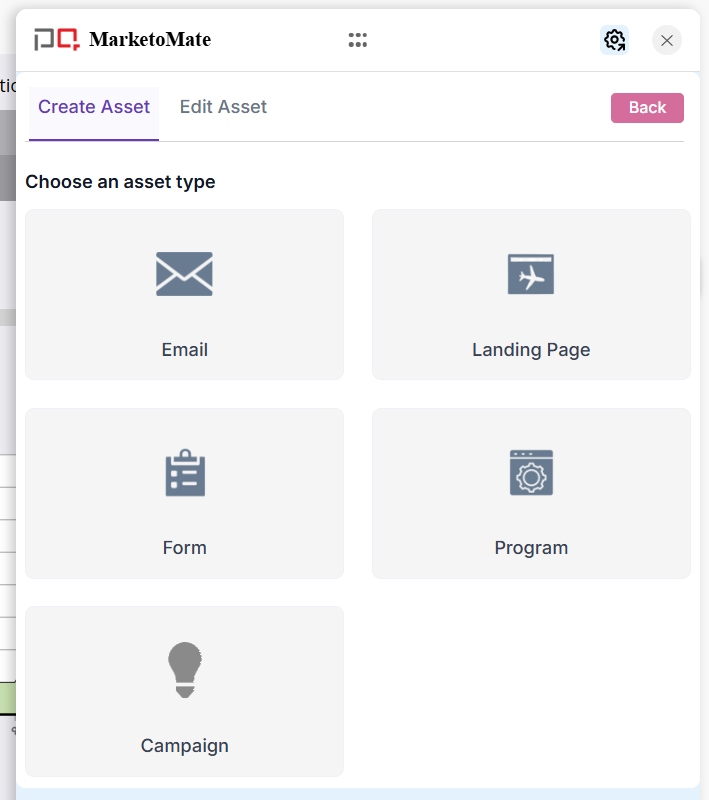
3. Choose an Asset Type from the available options — Email, Landing Page, Form, Program or Campaign.
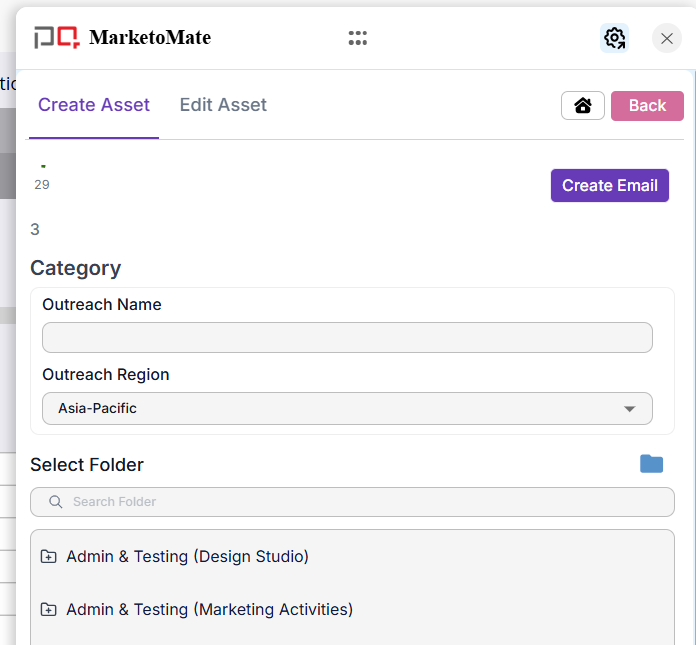
4. Choose a Workspace and select Template if available for the selected asset type
5. All categories configured and enabled for this asset type will now be visible. Fill in the required fields along with Folder path/destination.
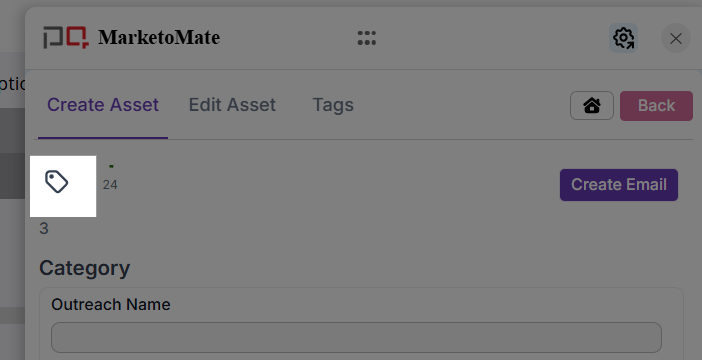
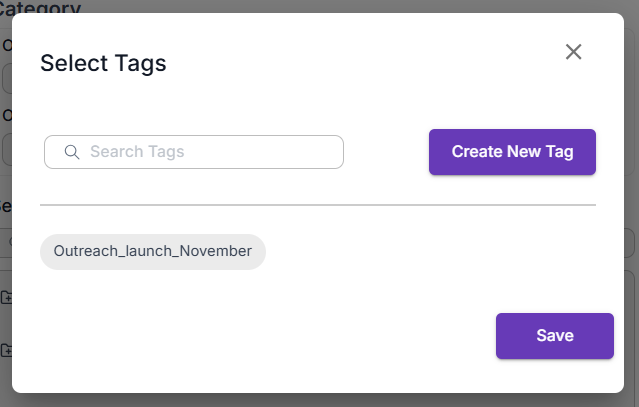
6. Click on Tag icon to add a tag
7. Select any tag and click on Save.
Note that user can add new tags while creating Asset by clicking on Create New Tag button.
8. Click Create to generate the asset. A Success message will confirm that the asset has been created successfully.
Note: All recently created assets are listed in the Homepage of ANA extension.