1. Open ANA extension on the right side of the HubSpot page.
2. Select Create/Edit Asset, then navigate to the Edit Asset tab.
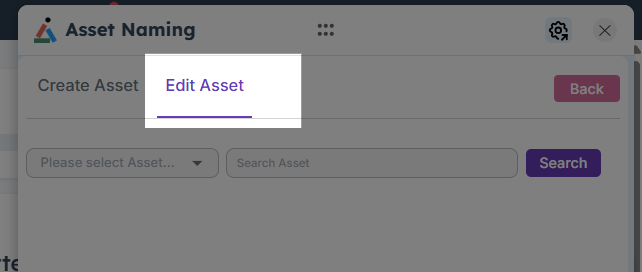
3. Choose the Asset Type to be modified from the dropdown list.
4. Enter a valid asset name and click Search.
5. The system displays all assets matching the entered name.

6. Select the relevant asset and make the desired name changes.
7. Click Save Changes to apply the updates. A confirmation message indicates the asset has been renamed successfully.