Configure the Asset Naming Assistant App
Follow these steps to set up the Asset Naming Assistant in your Oracle Eloqua instance:
- Log in to your Oracle Eloqua instance where the application is installed
- Navigate to Apps in Settings
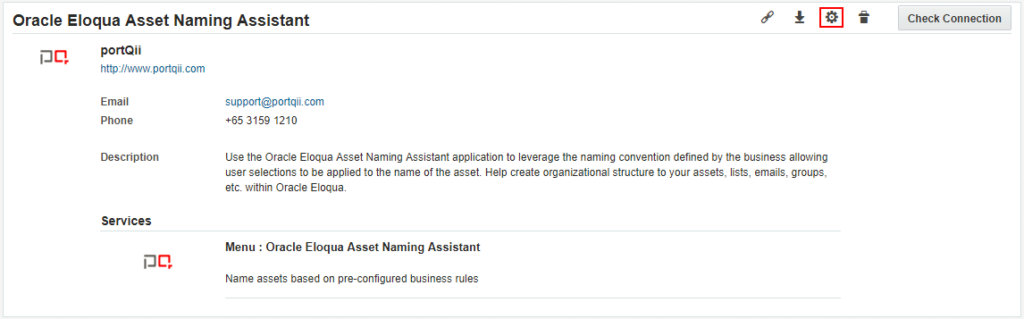
- Locate the application labeled Oracle Eloqua Asset Naming Assistant
- Click into the application and select the settings icon to configure it