
The Campaign Overlap Overview shows you which campaigns are running simultaneously and targeting the same contacts within your selected date range. This view includes both Active and Scheduled campaigns to give you complete visibility into potential overlap issues.
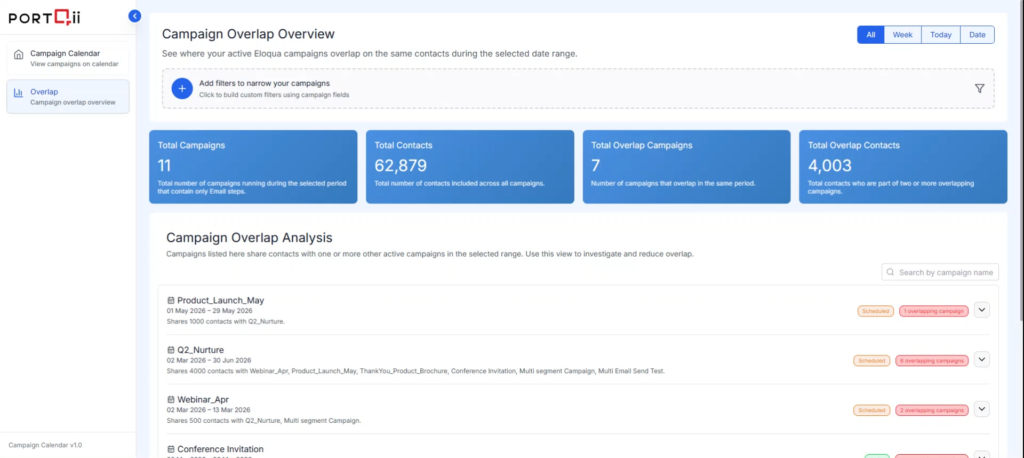
Campaign Overlap Summary Cards
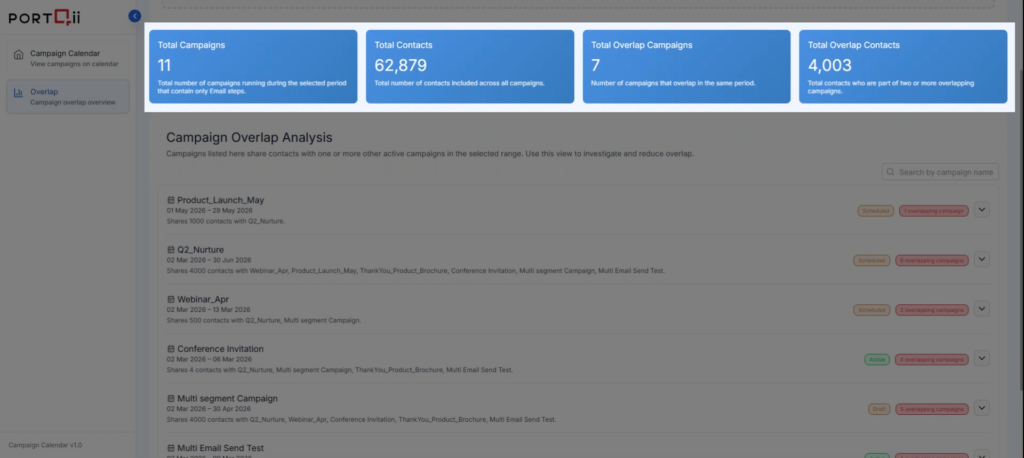
Each card displays aggregated metrics based on your selected filters and date range:
- Total Campaigns
Total number of campaigns running within the selected period. - Total Contacts
Total unique contacts included across all campaigns. - Total Overlap Campaigns
Number of campaigns that overlap with at least one other campaign. - Total Overlap Contacts
Number of contacts that appear in two or more overlapping campaigns.
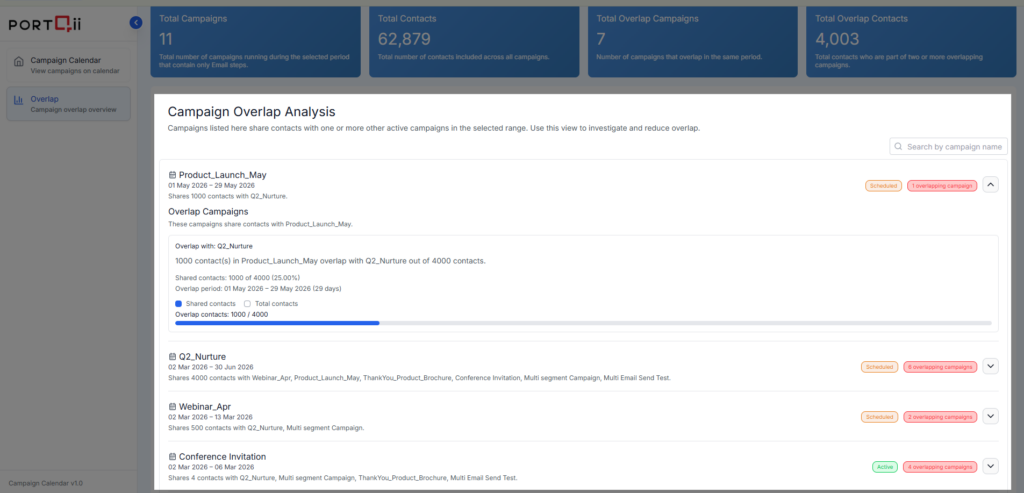
Campaign Overlap Analysis
This section displays all campaigns that overlap with other campaigns in your selected date range.
- Shows campaigns—including Active and Scheduled—with their status and number of overlaps
- Expand any campaign to see the complete list of campaigns it overlaps with
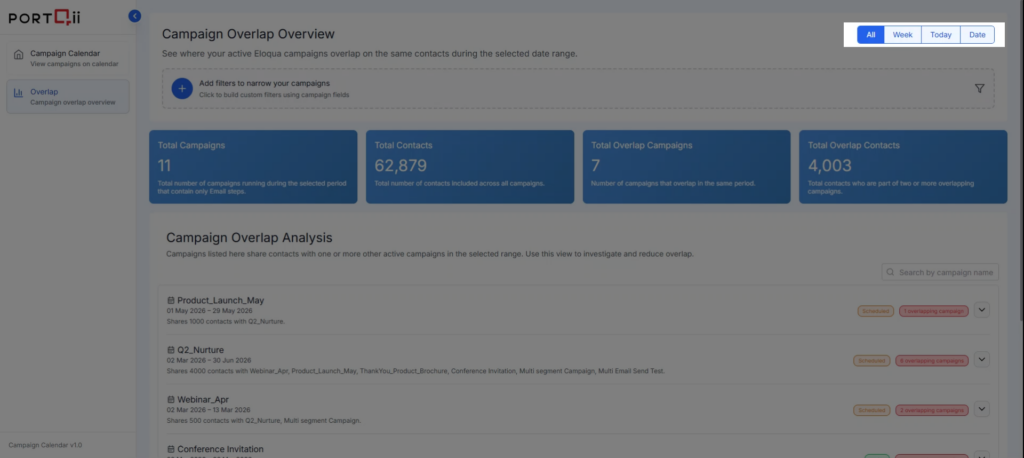
Analysis Tabs
- All
- Week
- Today
- Date
Use these tabs to analyze overlap patterns across different timeframes.
Available Filters
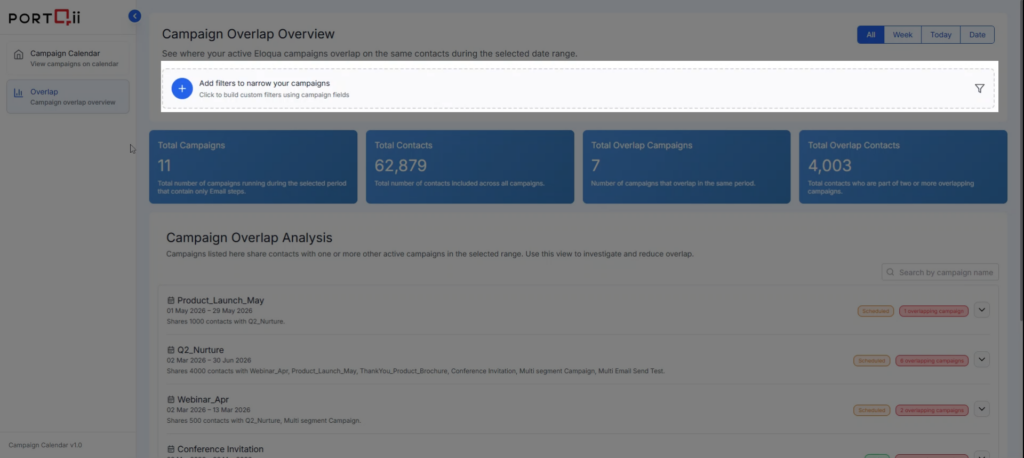
How to Add Filters
- Click the '+' icon to add a new filter.
- Under Filter Conditions, select a Field from the available campaign fields.
- Select an Operator (e.g., equals, contains).
- Enter the desired Value.
- Click Add Condition to include additional filter conditions if required.
Multiple Conditions Logic
- You can add multiple filter conditions to narrow your results
- Select 'All' to apply an AND condition between filters
- Select 'Any' to apply an OR condition between filters
These options give you flexible and precise campaign filtering based on your operational needs.