This page covers how violations trigger alerts and notifications, and how you can generate compliance reports.
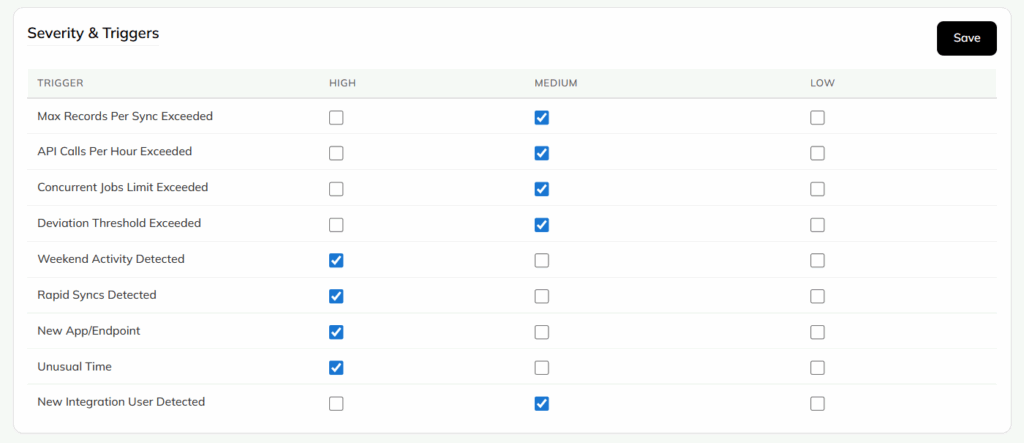
Severity and Triggers
You can enable severity levels for specific trigger conditions, including:
- Volume limits exceeded
- Behavioral deviations
- New integration users
- Unusual access times
When triggers are enabled, they execute the actions you've defined in your Threshold and Rules configuration.
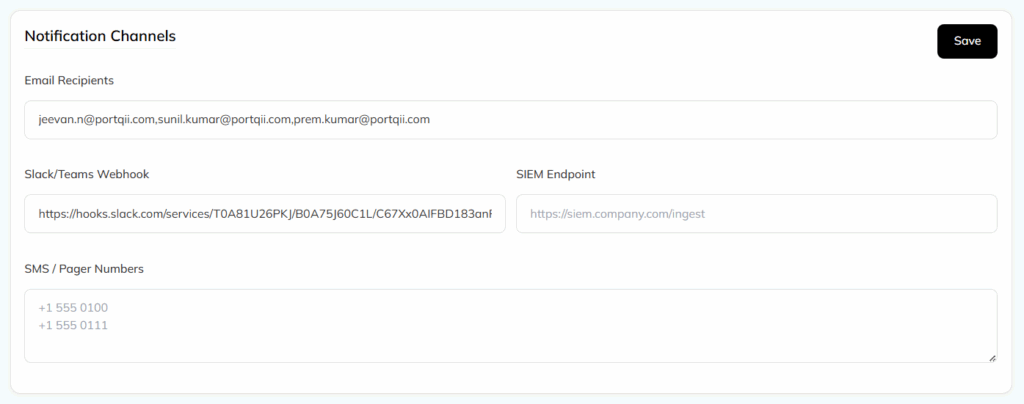
Notification Channels
You can deliver alerts through multiple channels:
- Slack or Microsoft Teams webhooks
- SIEM integrations
- SMS or pager notifications
You can configure multiple channels simultaneously to ensure your team receives alerts where they work.
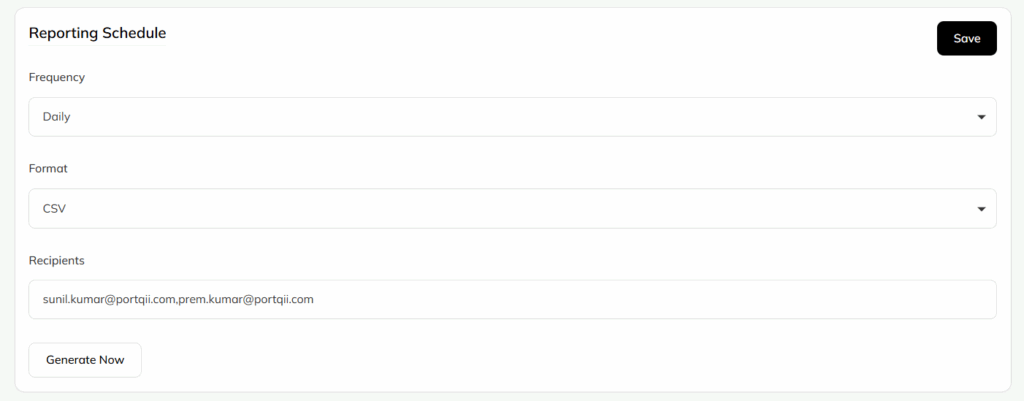
Reporting Schedule
Set up scheduled compliance reporting with configurable options:
- Frequency: daily, weekly, or monthly
- Output formats: PDF, CSV, or JSON
- Recipient lists for automated distribution
You can also generate reports on demand whenever you need them.