The Monitoring Scope page shows everything Security Compliance is watching, from both an application-centric and a user-centric perspective. Integrations are detected automatically as they are used, so the scope grows on its own as activity occurs.
The page header shows how many integrations are currently detected, and a New integration button lets you add one manually. Two tabs switch the view, and a search box (“Search integrations…”) filters the cards by name:
- Applications — an application-centric view
- Bulk API — a user-centric view of direct bulk API activity
Status indicators
Every card shows a colour-coded status badge that reflects the highest-severity activity detected:
- Low (green) — no significant issues
- Warn (orange) — activity worth reviewing
- Critical (red) — a critical violation was detected
Applications
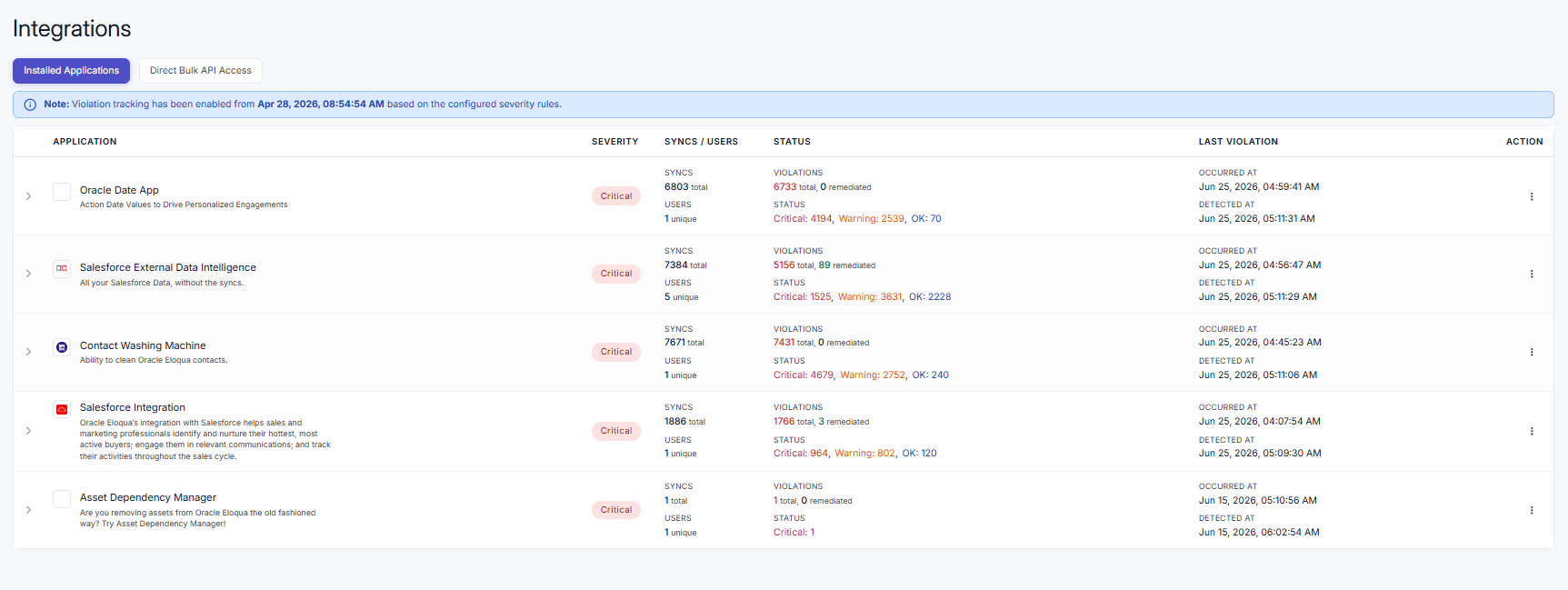
The Applications tab shows a card for each monitored application. Each card displays:
- Application logo, name, and description
- Status badge (Low, Warn, or Critical)
- Syncs — total number of syncs
- Users — number of unique users
- Violations — total count, or “Not detected” when there are none
- Status breakdown — counts of Critical, Warn, and Low
- Most Recent Violation — the Violation Occurred At and Violation Detected At times (or “No Violations”)
A three-dot menu on each card gives quick access to Threshold Setup and Override Global Field Exclusion Settings for that application.
Select a card to open its detail view. A All applications link returns you to the list, and the detail view shows the application header, summary chips (Syncs, Users, Violations, Status), and a Users in this application list with the individual users and their syncs.

Bulk API
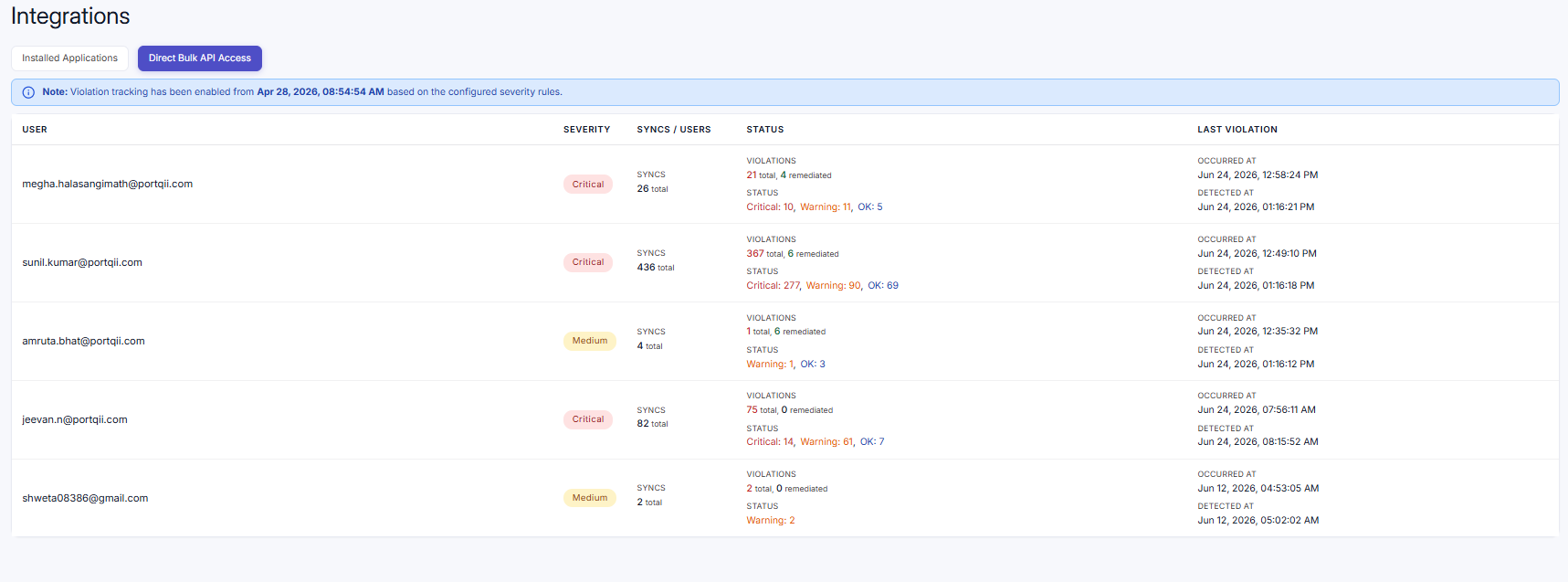
The Bulk API tab takes a user-centric view: each card represents a user (by email) and their direct bulk API syncs across all applications. Each card shows:
- The user's email and a Status badge (Low, Warn, or Critical)
- Syncs — total number of syncs
- Violations — total count, or “Not detected”
- Status breakdown — counts of Critical, Warn, and Low
- Most Recent Violation — the Violation Occurred At and Violation Detected At times (or “No Violations”)
Click a card to expand it inline and see more detail.