
Important: You must have Client Administrator rights to complete this installation.
You'll need to follow this process for your Source Oracle Eloqua instance, Target Oracle Eloqua instance, and any additional instances you've purchased.
Installation Steps
- Contact the Portqii Sales team at sales@portqii.com to set up licensing for your Oracle Eloqua instance.
- Portqii will provide links to install the application in your Oracle Eloqua instance.
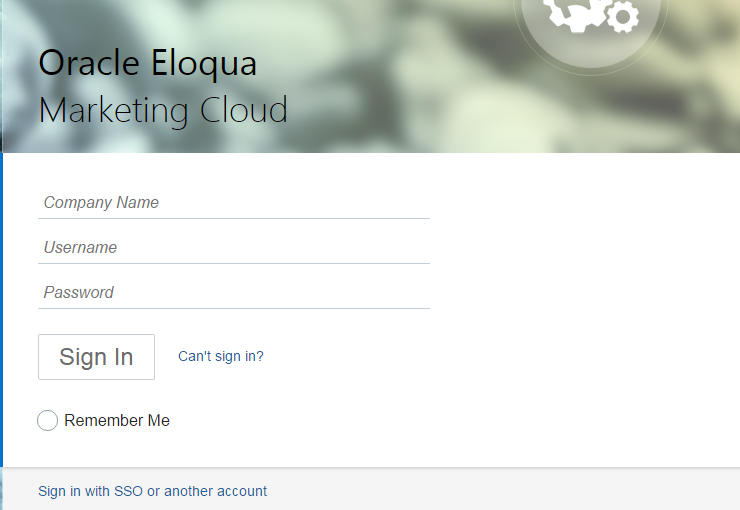
- Enter the credentials for the instance where you're installing the application.
- Click Accept and Install.
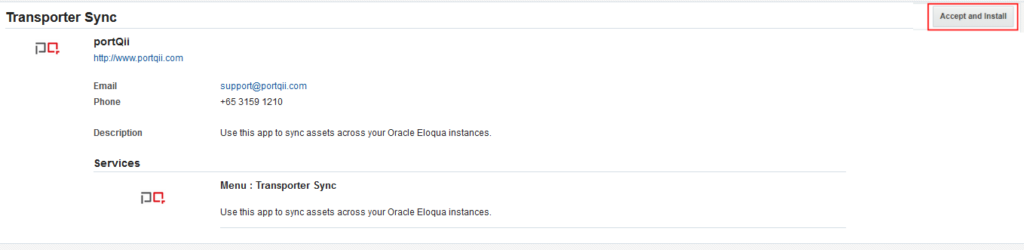
- The app is now installed and will appear in your apps list.