
Import Leads settings
Author skills, rules, data transforms, and do-not-import checks for each MAP connection.
Supported MAPEloquaMarketo
These settings live under Settings → Agent context → Import Leads in the product (/settings/agents/import-leads). They are specific to this agent, separate from org Context.
Open settings
Open Settings
In Agent Studio, go to Settings, then Agent context → Import Leads (
/settings/agents/import-leads).Select a connection
The screen is gated until a MAP connection is selected. Skills and rules are stored per connection.
Author and save
Use the tabs below. Mark rules active before including them in a skill. Operators can then apply those skills on an import run.
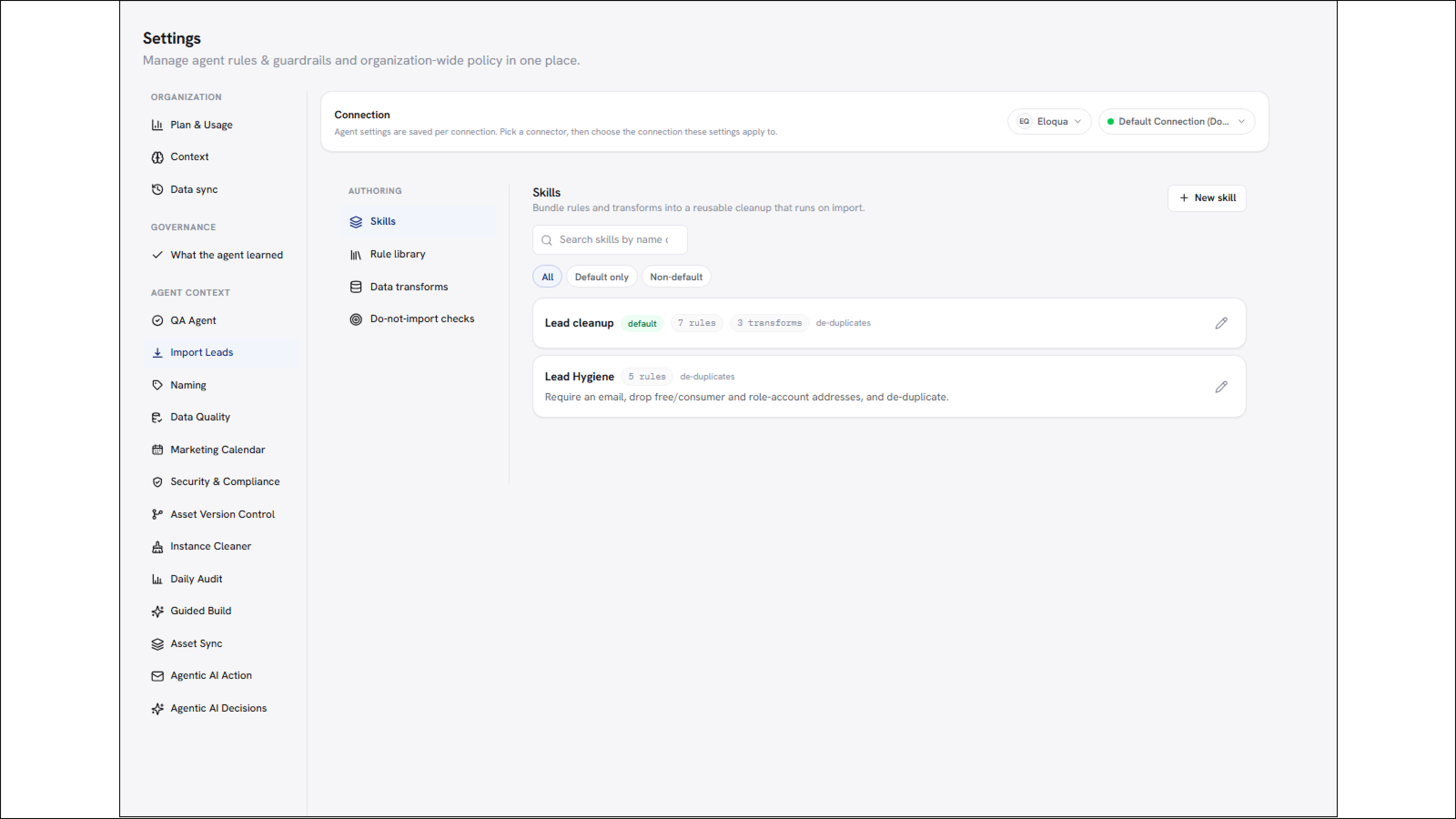
/images/agent-studio/import-leads/settings-skills-tab.pngSettings, Agent context, Import Leads (/settings/agents/import-leads) with a connection selected, Skills tab open showing a lead hygiene skill marked as default. Use a demo instance.
Tabs
| Tab | What you configure |
|---|---|
| Skills | Reusable bundles of rules and transforms (for example lead hygiene). Mark one as default for the connection when helpful. |
| Rule library | Individual cleanup rules created here or while importing. Edit, archive, or reuse them across skills. Required-fields rules flag empty cells without dropping rows when used in a skill. |
| Data transforms | Saved value transforms operators can apply to a staged run. |
| Do-not-import checks | Presence checks that drop rows matching contacts that must not be imported. |
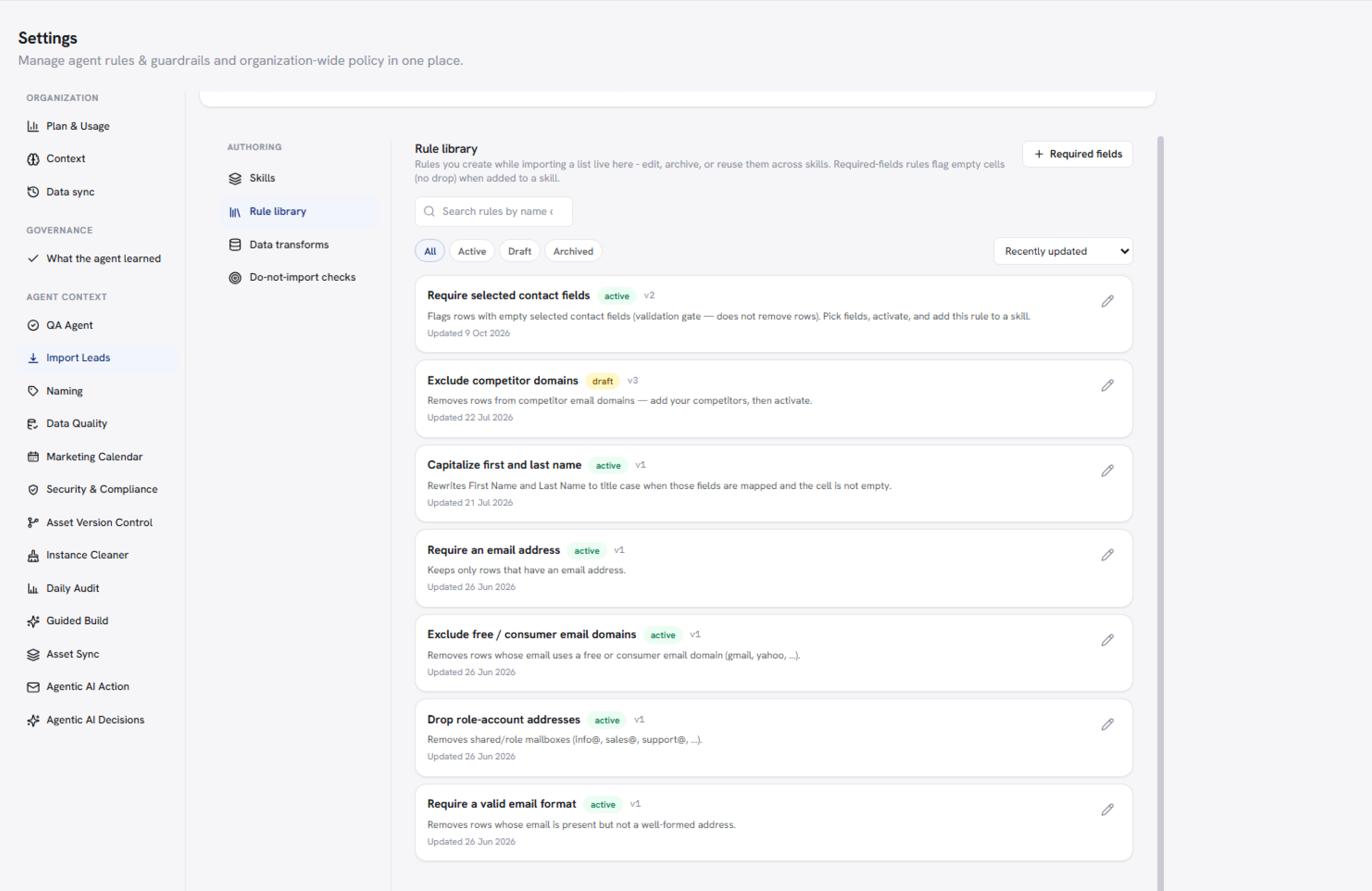
/images/agent-studio/import-leads/settings-rule-library.pngImport Leads settings, Rule library tab, showing several active cleanup rules including a required-fields rule. Use a demo instance.
Connection scope. Always confirm which connection is selected before editing skills or rules. A skill on Eloqua A does not apply to Eloqua B.
Related
Import Leads
Connections
Context